Build your resume once. Tailor it to every job.
Paste a job description and ResumeLoom rewrites your summary and bullet points to fit it, checks your resume against the posting, and gives you a clean PDF. You can edit every word.
- Free account. No card needed to sign up.
- 47 templates, 3 of them free
- Upload the resume you already have (PDF or Word)
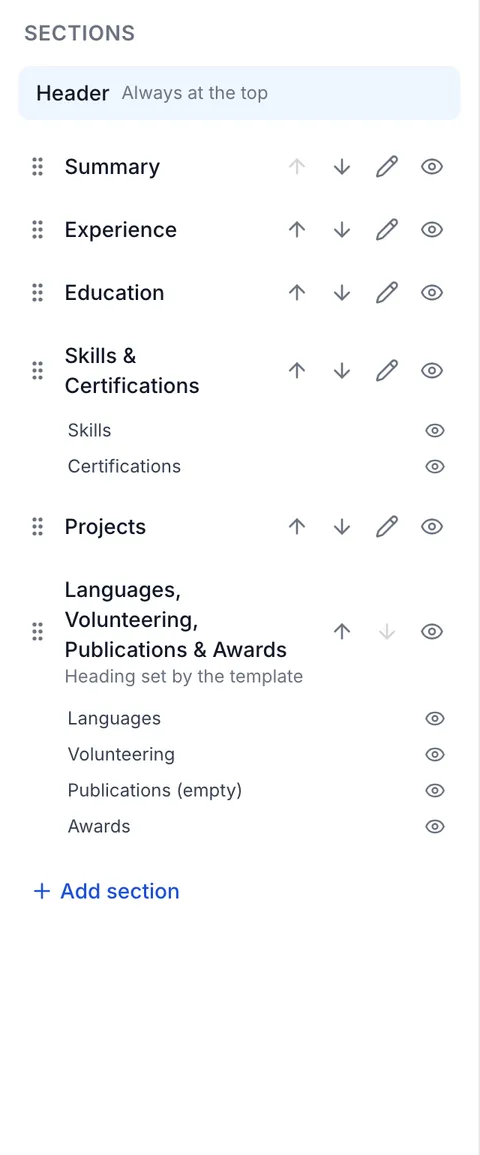
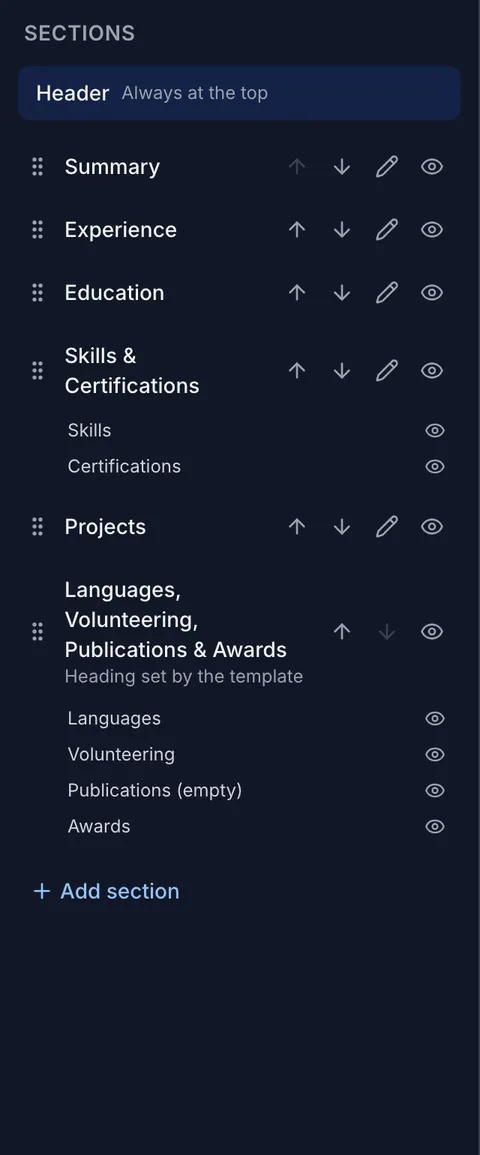
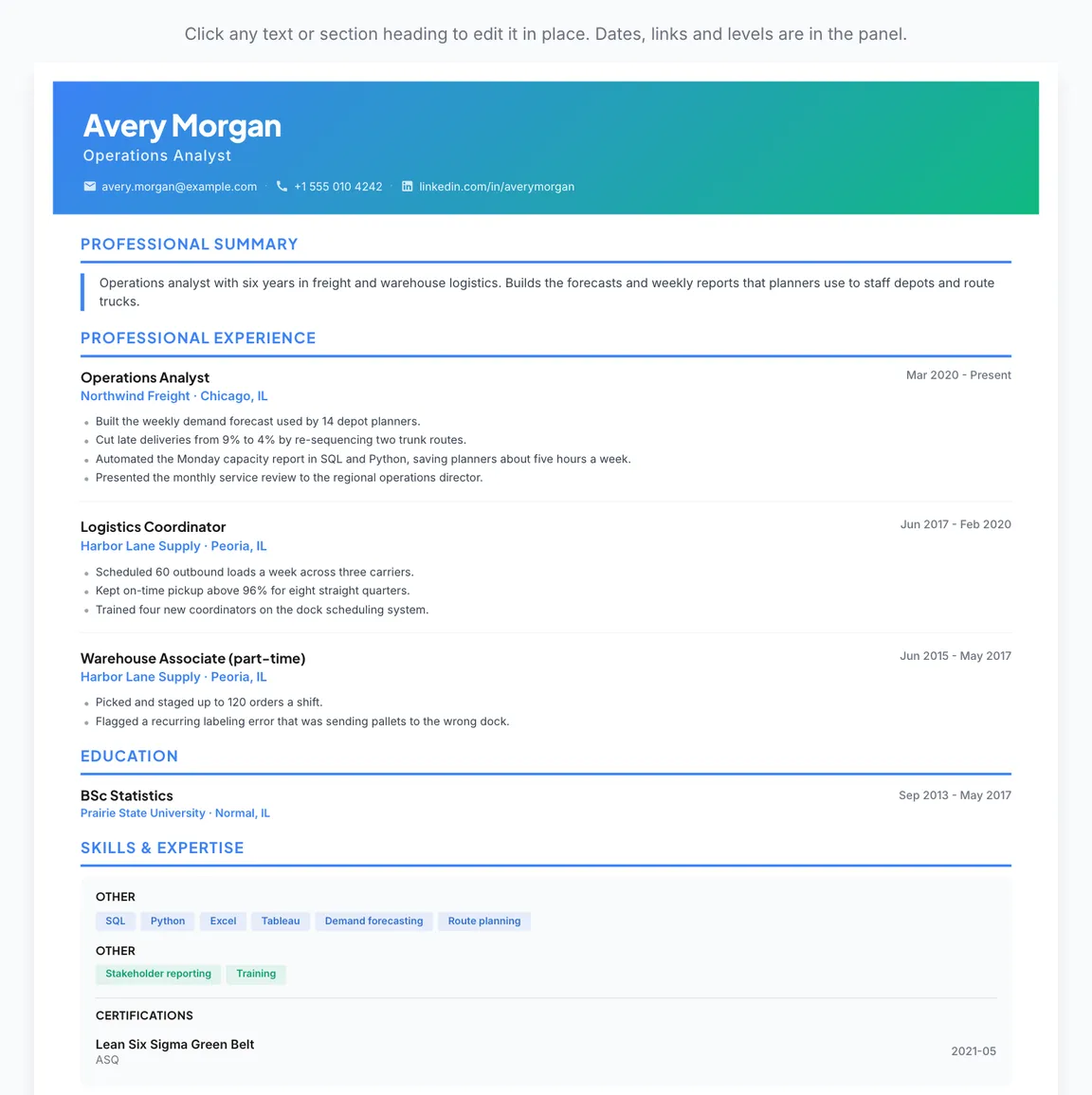
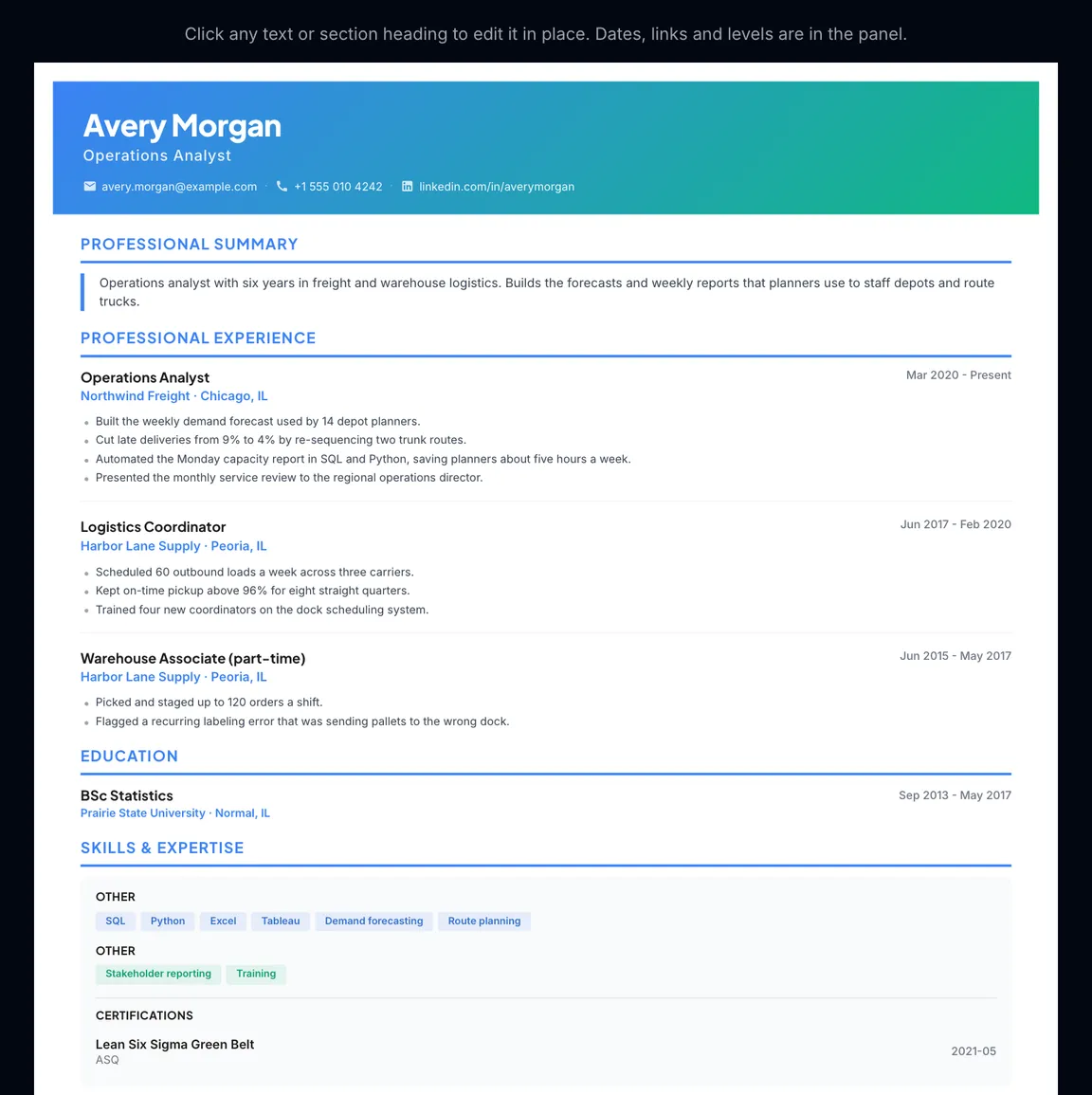
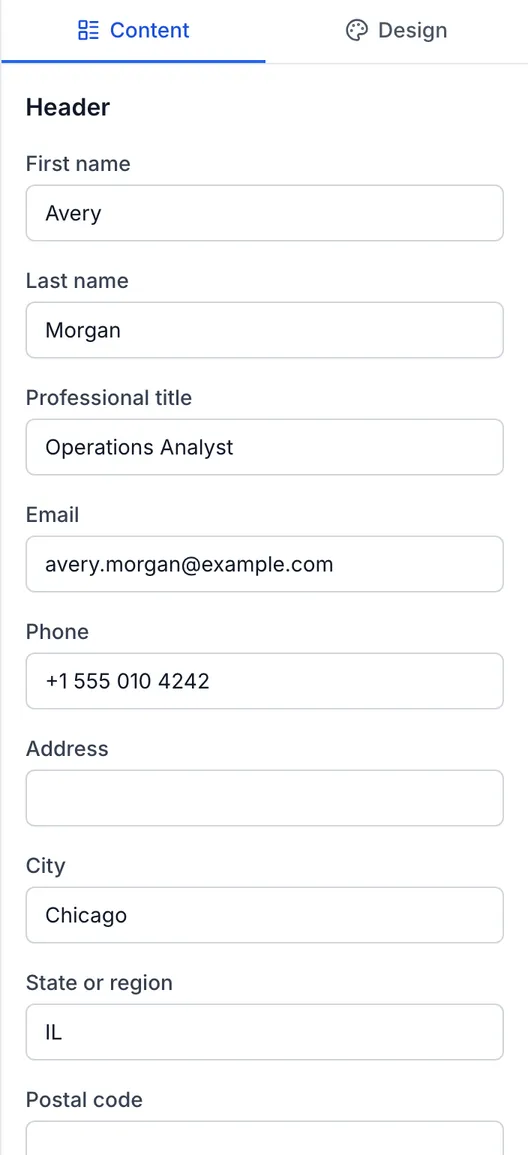
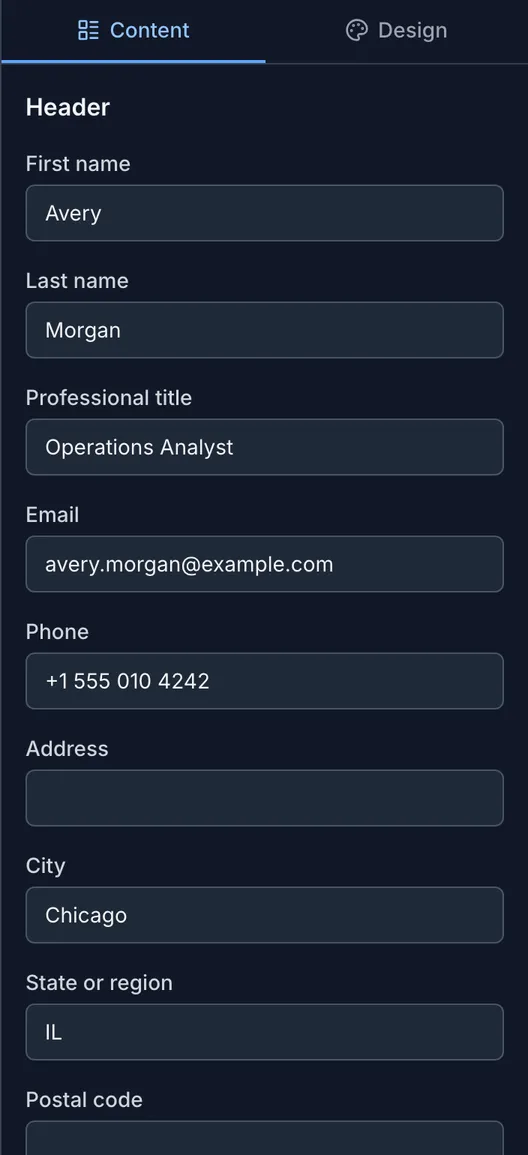
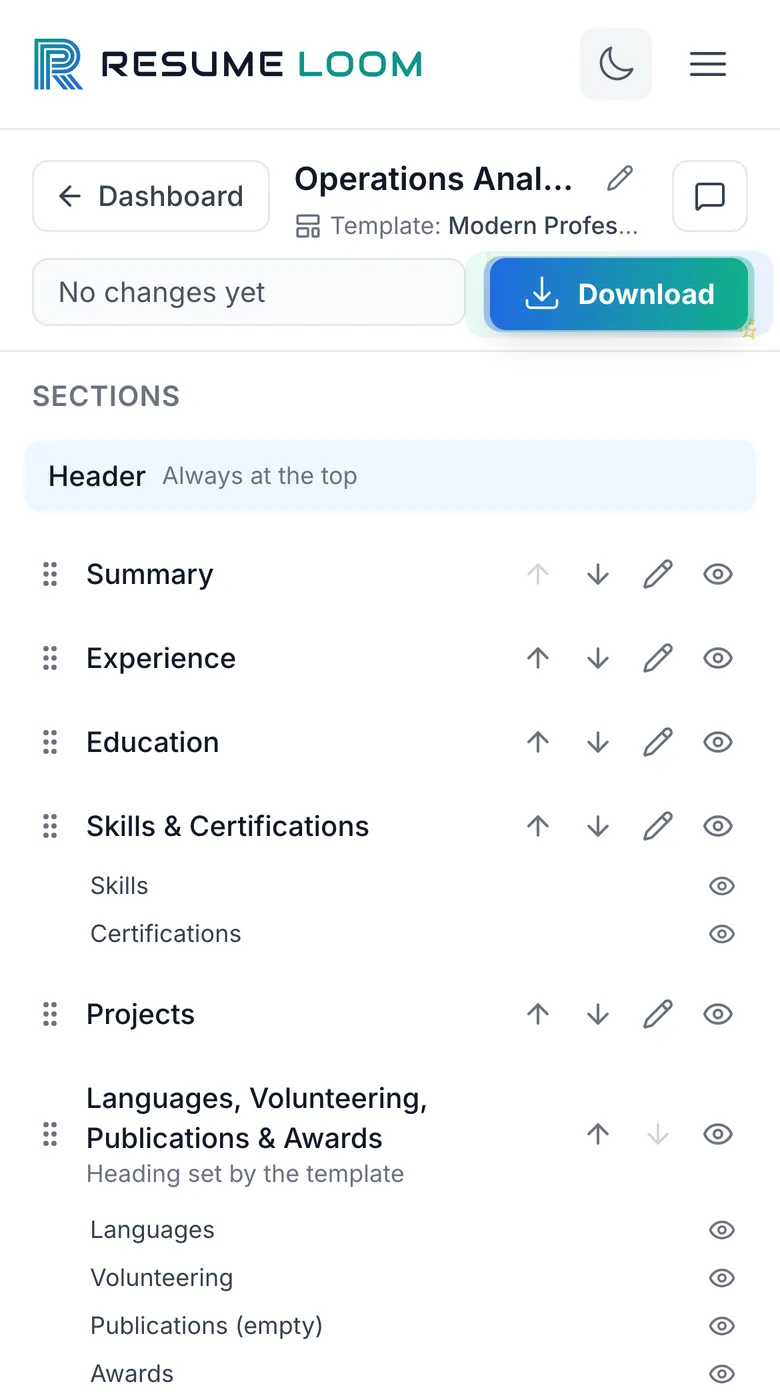
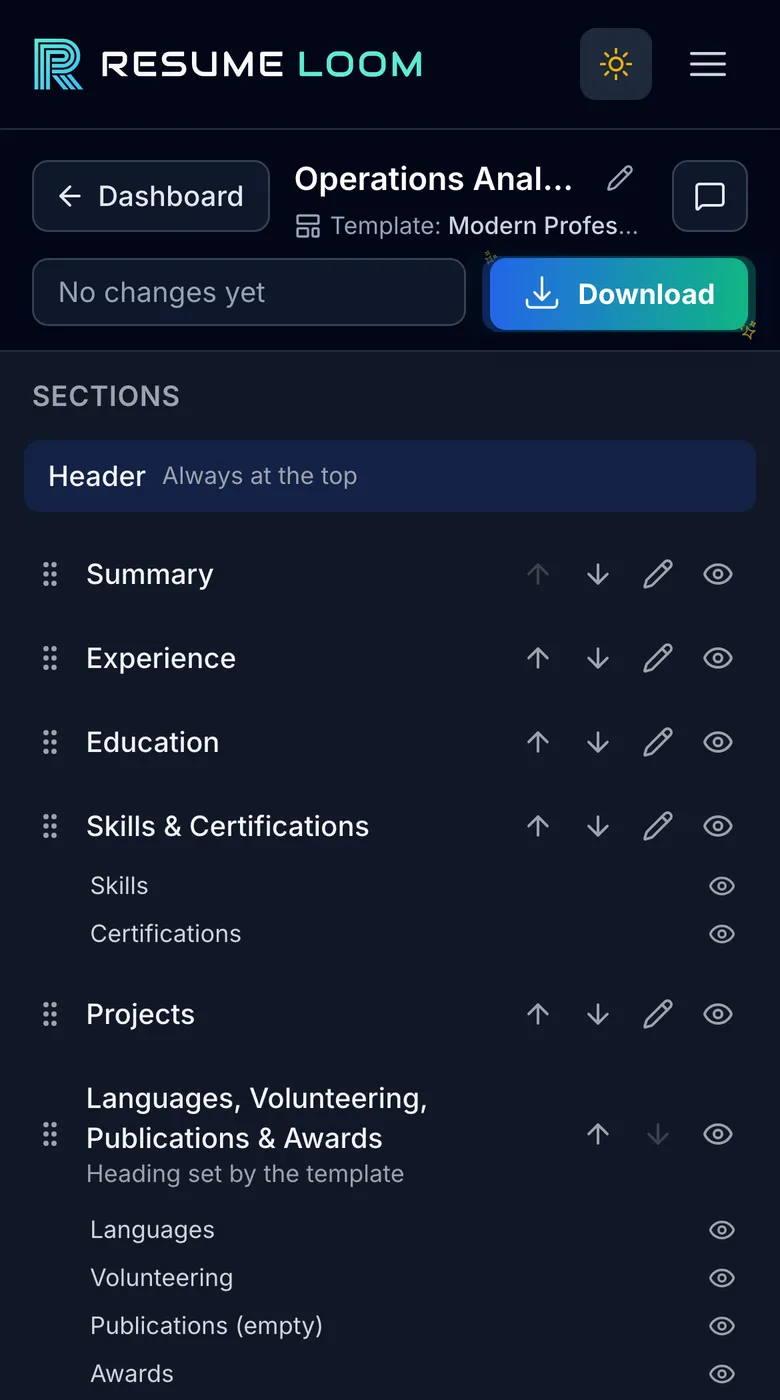
The ResumeLoom editor, shown with sample details: the list of sections on the left, the resume page in the middle and a panel of fields and design choices on the right.


How it works
- 01 · Sections
Every section in one list.
Your resume’s sections sit on the left, in the order they print. On templates that support it, drag one to move it, hide it or rename it.
- 02 · The page
Click any text to edit it in place.
The page in the middle is your resume, drawn by the same renderer as the PDF. Change a line and save, or ask for up to 3 rewrites to choose from.
- 03 · Design
A complete look in one click.
Presets change fonts, sizes and colors together. Or switch between 47 templates: choosing a template changes only the design, and your content is kept.
- 04 · Download
Download the PDF.
The download matches the page you see. Come back and adjust it for the next application.
Real screens from the editor, shown with sample details.
What it does
What you can do with it
Most of the work in a job search is rewriting the same resume for each posting. ResumeLoom does the rewriting with you.
Tailor it to a job posting
Paste the job description. ResumeLoom rewrites your summary and bullet points around what the posting asks for, and you can edit everything it writes.
Check it before you apply
Run the ATS check to get a score, the skills from the posting that your resume is missing, and the formatting problems to fix.
Download a cover letter too
The builder lays out a cover letter with your name and contact details, in a standard wording, and you download it as a PDF. Downloading one uses 8 credits, or none with Premium.
Start from the resume you have
Upload a PDF or Word file and ResumeLoom fills in your sections, so you do not retype your work history.
See the page as you write
The preview updates while you type. Switch between 47 templates without entering anything again.
Share a portfolio page
Publish a public page built from your profile, link to it from your applications, and see how often it is viewed. Creating one uses 50 credits, or none with Premium.
Templates
Pick a template
47 templates. 3 are free; the rest come with Premium, or you can unlock one at a time with credits. Pick one up: drag to turn it, tap to flip it.
Modern ProfessionalFree
Shown with sample details.
Plans
What it costs
Building a resume is free. Downloads and AI features use credits, or come with Premium.
Free
$0no card needed
Build a resume and see how it looks before you pay anything.
- One resume and one profile
- 3 templates
- 30 credits when you sign up
- A resume or cover letter PDF uses 8 credits
- An AI rewrite uses 25 credits
- A portfolio page uses 50 credits
Premium
$9.99a month
For an active job search, when you are tailoring a resume to each posting.
- All 47 templates
- AI rewrites and ATS checks without spending credits
- Resume and cover letter PDFs without spending credits
- A portfolio page without spending credits
- Cancel any time. 7-day money-back guarantee.
Questions
Something else? Read the help pages or contact us.
Is ResumeLoom free?
You can sign up and build a resume for free, with 3 templates. A new account gets 30 credits. Downloading a resume or cover letter PDF uses 8 credits, and the AI features use credits too. Premium is $9.99 a month and includes every template, PDF downloads and the AI features without spending credits.
Does it write my resume for me?
It rewrites what you give it. Paste a job description and ResumeLoom suggests a summary and bullet points that fit the posting, based on the experience you entered. Read the result before you send it: you can edit or replace anything, or write everything yourself.
How does the ATS check work?
You paste the job description and run the check. ResumeLoom compares the posting with your resume and returns a score, the skills you match, the skills that are missing, and formatting problems that applicant tracking software can stumble on. Run it again after you make changes. A good score helps, but no tool can promise that an employer’s system will pass a resume.
Can I upload my existing resume?
Yes. Upload a PDF or Word file and ResumeLoom reads it into sections you can edit. Check the result, because unusual layouts do not always come through cleanly.
How many templates are there?
47. 3 are free (Modern Professional, Classic Traditional, Executive Premium). The others come with Premium, or you can unlock one at a time with credits. You can switch template at any point without re-entering your details.
What format do I download?
PDF, for both resumes and cover letters.
What is the portfolio page?
A public web page built from your profile, with its own link that you can add to applications or your LinkedIn profile. You can see how often it was viewed. Creating one uses 50 credits, or none with Premium.
What happens to my data?
Your resumes are stored in your account so you can come back and edit them. From the account page you can download a copy of your data or delete your account.
Can I cancel Premium?
Yes, at any time from the billing page. A new subscription also has a 7-day money-back guarantee.
Start with the resume you have
Sign up for free, upload your current resume or start from a blank page, and see it in a template.